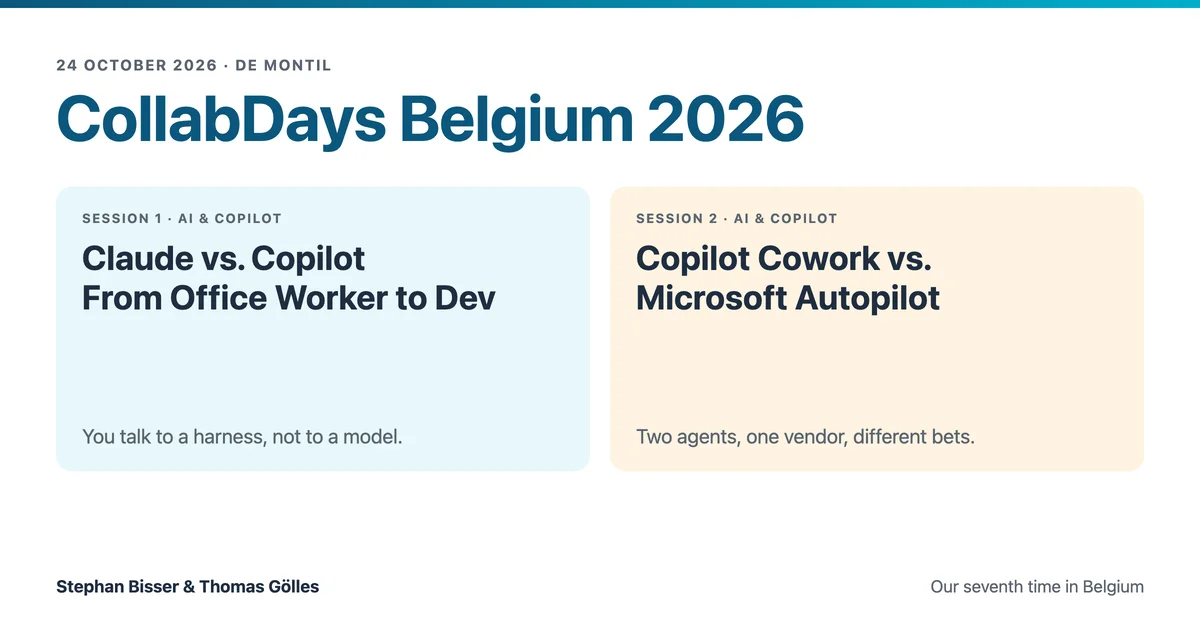
CollabDays Belgium 2026 -- Our Two Sessions on Agents
Yesterday Stephan Bisser and I were back at CollabDays Belgium, our seventh time on that stage if you count the Benelux editions, and this year we brought two sessions instead of one. We wrapped up the second a few minutes early because we had a flight to catch, which sounds very rock and roll until you picture the two of us an hour later in the duty-free shop, comparing chocolate boxes for the kids back home. Nothing gets two MVPs back down to earth faster, and that’s exactly how it should be.
If you’ve never been, CollabDays Belgium is what a community event should look like. Around 350 people came to De Montil on a Saturday, for free, to sit through about 30 sessions in five parallel tracks covering Microsoft 365, AI and Copilot, Power Platform, Azure, security and governance. None of that happens by itself. The day is run by SmartBytes, where the Belgian Microsoft 365 and Power Platform communities have joined forces, a lot of people give up their weekend so the rest of us can talk shop, and the sponsors are the reason nobody has to buy a ticket. Thank you, all of you. We keep coming back, and it’s because of the people who are still around at the SharePint, not because of our slides.
Every year in Belgium we’ve told one story about AI. In 2023 it was the state of the nation for AI in Microsoft 365, in 2024 building your own custom Copilot, and last year we demystified Copilot agents, extensions and plugins. This year the story split in two.
Claude vs. Copilot turned out to be the wrong fight
The morning session, “Claude vs. Copilot: From Office Worker to Dev”, opened with the cheapest trick in the book, because the easiest way to fill a room at a Microsoft conference is to put a non-Microsoft product in the title. Behind the clickbait we walked through three pairs, Microsoft 365 Copilot against Claude for everyday assisting and creating, Copilot Cowork against Claude Cowork for delegating real work, and GitHub Copilot against Claude Code for engineering. The plot twist sits right in the middle, because Microsoft itself announced in March that Copilot Cowork was built by integrating the technology that powers Anthropic’s Claude Cowork, so the room was never really choosing between two models.
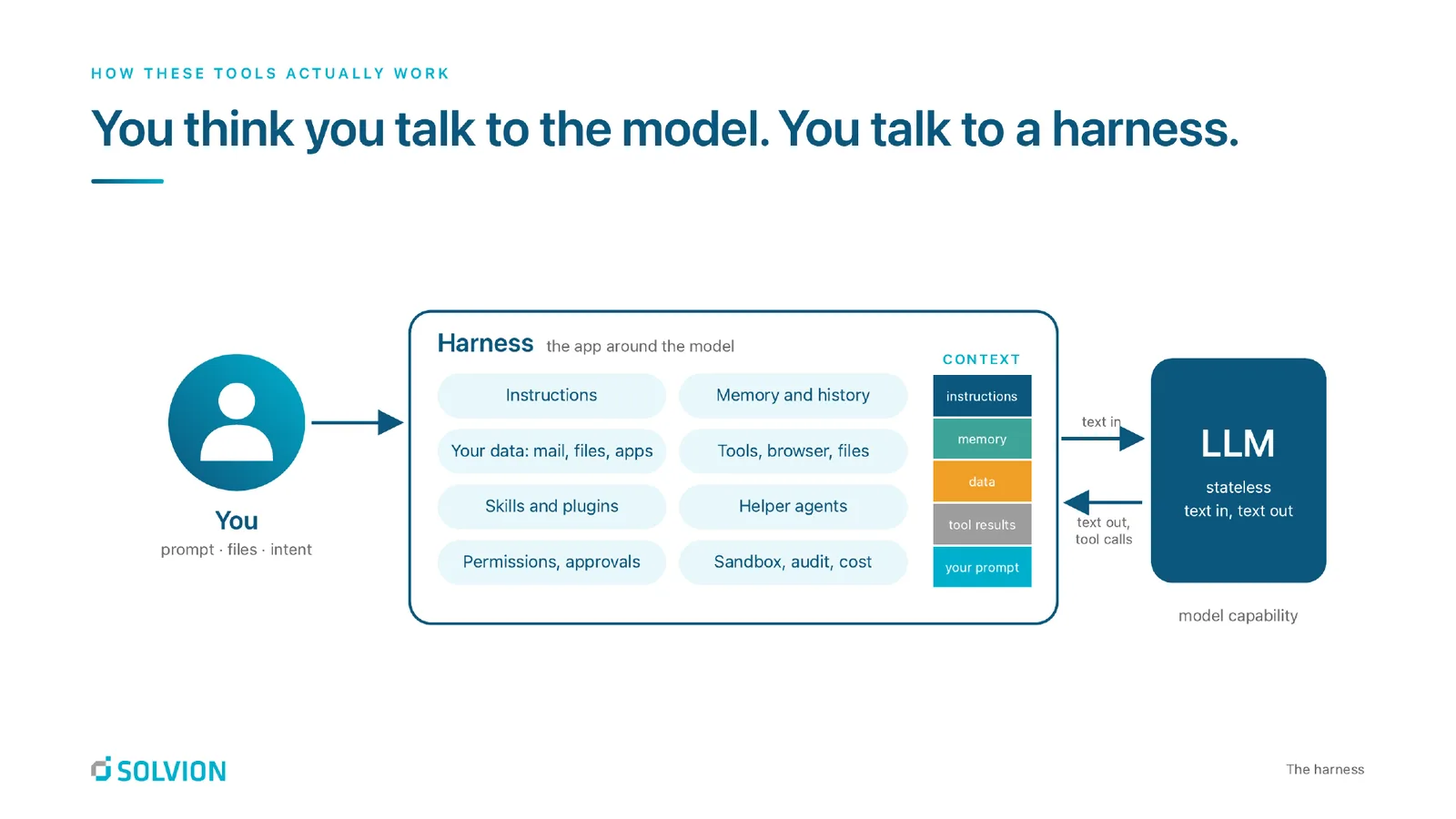
What they’re actually choosing is a harness. My granddad was a climber, and I still have his gear at home from forty years ago. The harness never climbed a single metre, it kept him safe and pointed in the right direction while he did the climbing, and that’s what Copilot, Claude Code or your own app does for a model. Every LLM is a goldfish, stateless by design, and the harness decides which instructions, which data, which tools and which permissions land in the context window. For Copilot that’s Microsoft 365, with Work IQ pulling in your mail, chats and files, while Claude brings its own harness and reaches your data through connectors. The models themselves go off like milk, with a new frontier model roughly every 18 days, so we told people to pin the task and not the model.
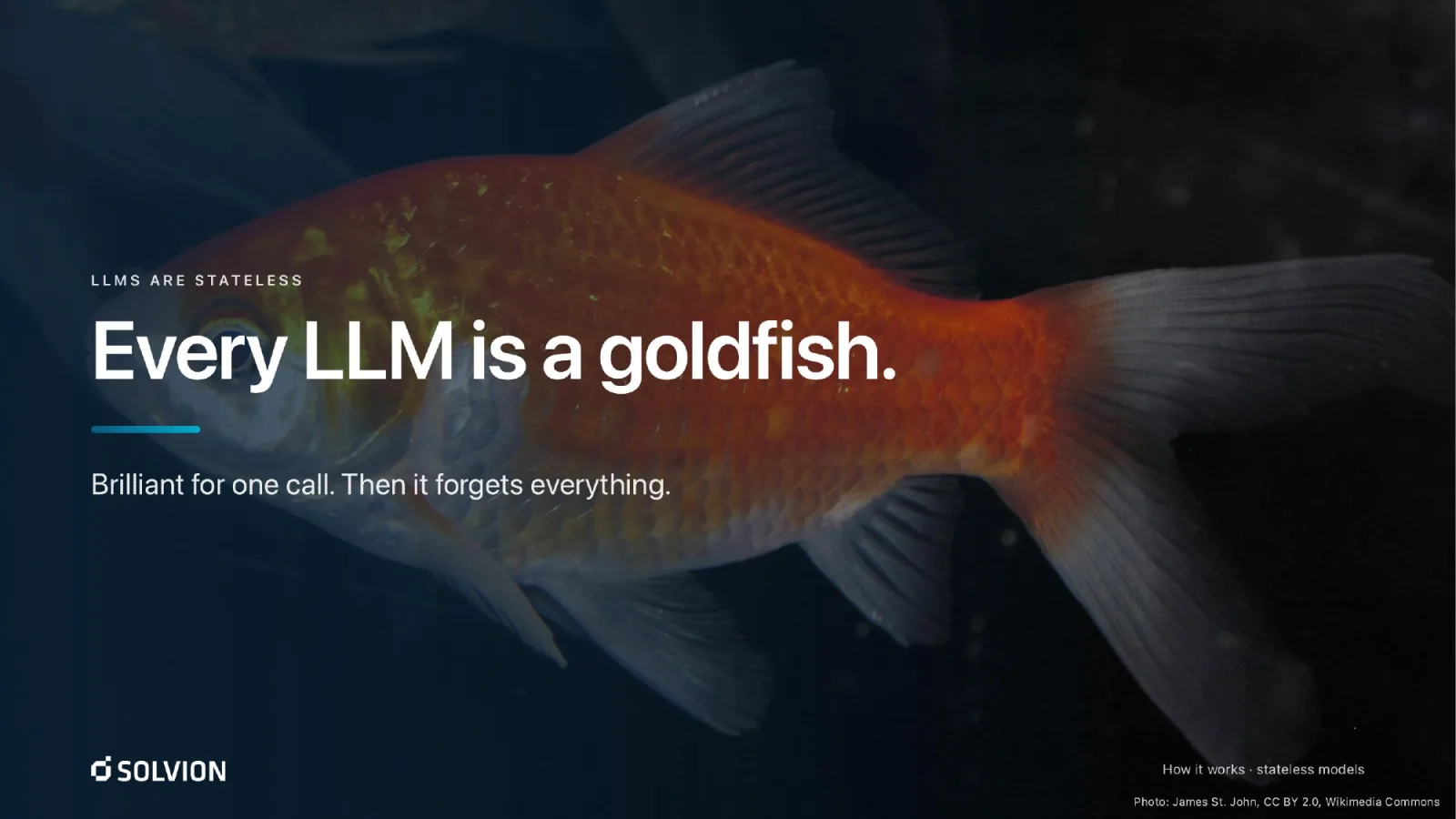 Goldfish photo in the slide by James St. John, CC BY 2.0, via Wikimedia Commons.
Anna was back, too. She’s the project manager from our session last year, when the question was who in her team should get a Copilot licence, and this year she wanted to know which tool to bet on now that half her team uses Copilot and the other half secretly uses Claude. Neither of us had thought about her in a year. Two days before the event I’d built a skill over our roughly 160 sessions from the last ten years and asked it for a deck for Belgium, and it came back with Anna. Our answer to her was not to bet on one tool but to choose per workflow. Summarising today’s mail and meetings is a Copilot job, research across the web and non-Microsoft tools is a Claude job, and a regulated rollout in the EU is neither by default until someone has done the data protection homework. That homework is the Belgian question, too. Anthropic models inside Copilot sit outside the EU Data Boundary and are switched off by default in the EU, EFTA and the UK, so “Copilot Cowork is the safe EU option” is only true after an admin opts in and documents the transfer.
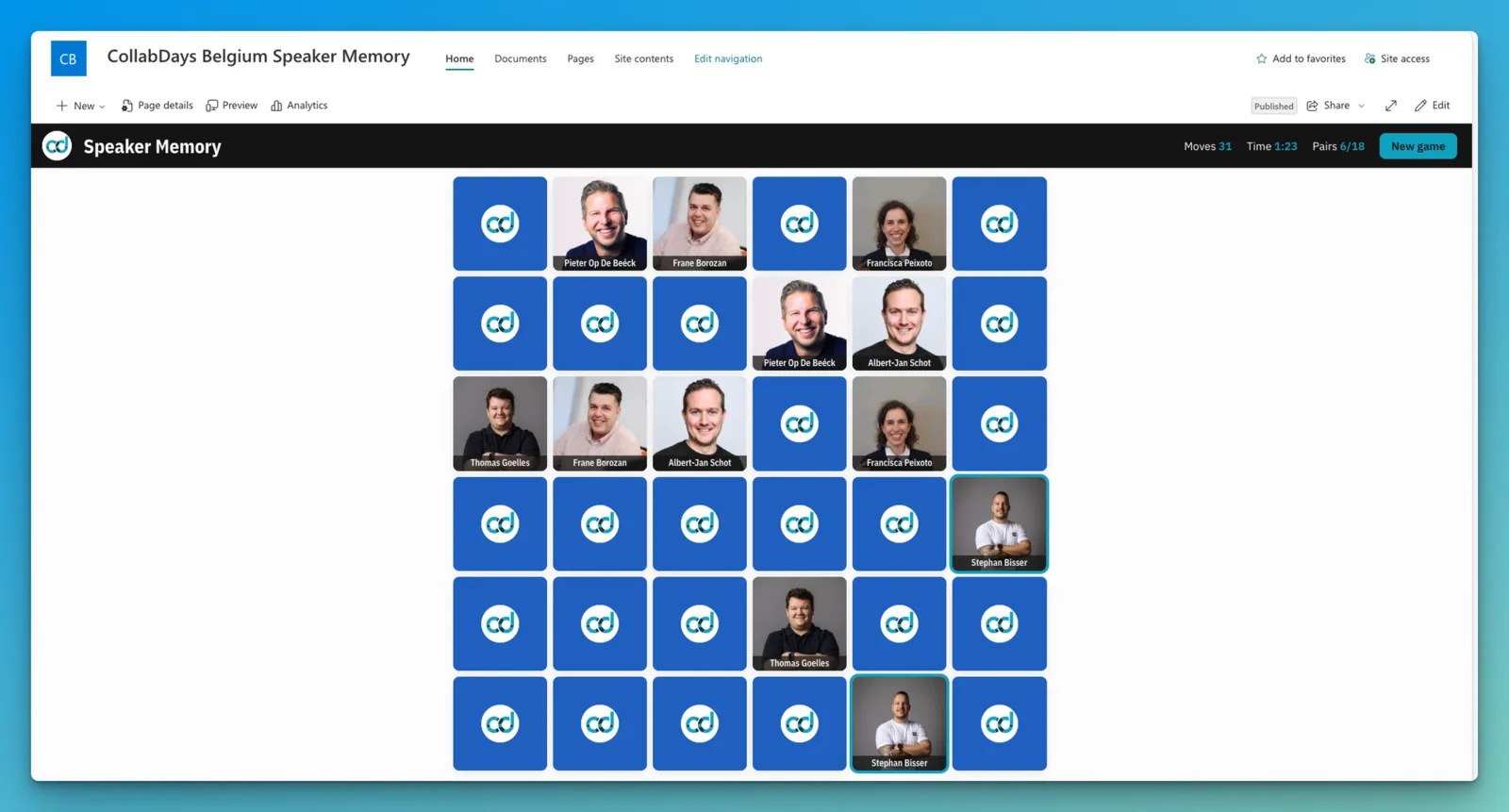
Most of the hour was about how we work today rather than about slides, which is fitting, because we’d arrived the day before with literally zero of them. Stephan had Claude Code turn the abstract and his ideas into a 500-line storyline in Markdown, handed that to Copilot Cowork, which already knows our company design, and let it build the deck plus a one-page cheat sheet so I could catch up in the few hours I had. Then I asked the front row for a favourite colour, said a few sentences in German into my phone, and Bob, the builder agent from the fleet I wrote about yesterday, went off to build a speaker memory game as an SPFx web part in blue and deploy it to SharePoint while we kept talking. It delivered, with the speakers of the day as the cards, Stephan and me included. The voice pipeline behind that costs a few cents for Service Bus and the Azure Function plus around four euros a month for transcription. And because in our projects agents rarely stall at the model but almost always at the integration stack, connectors, consent and an owner after the pilot, the deck ends with a Monday checklist for admins and for everyone who isn’t one.
Two agents from one vendor, and two very different bets
The afternoon session had the slot right after lunch, the one speakers call the grave digger session, and its title had already aged by the time we got on stage. When we wrote the abstract in summer it said “Copilot Cowork vs. Microsoft Scout”. Since then Scout has moved from the desktop into the cloud and has been renamed Microsoft Autopilot (not to be confused with Windows Autopilot, which still provisions your devices).
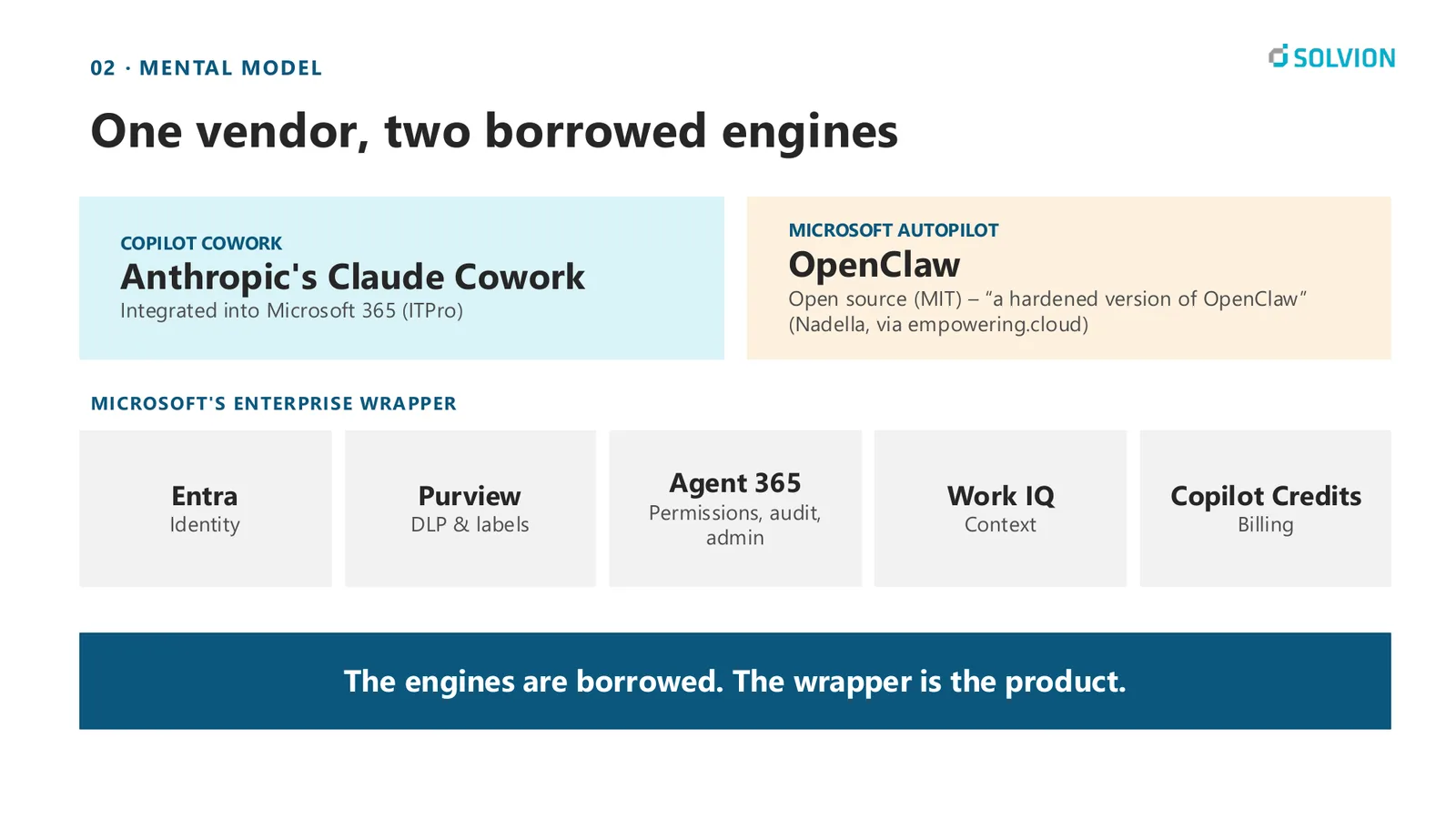
Both agents run on borrowed engines. Cowork is Microsoft’s answer to Claude Cowork, and Autopilot is its answer to OpenClaw, a hardened version with proper governance around it, which made me smile after my weekend with OpenClaw earlier this year. What Microsoft adds is the enterprise wrapper around them, identity, labels, audit, context and billing, and that wrapper is the actual product.
The difference between the two is less about features and more about whose name is on the work and whether the work ever ends. Copilot Cowork, generally available since 16 June, works as you, with your permissions, and delegates a task that has a result. Autopilot gets its own Entra identity, a manager and a memory that lasts for days, so you don’t hand it a task, you staff a role. We couldn’t get into the Autopilot preview in time, so Stephan hired his own autopilot from a Foundry blueprint, and Scouty, as he calls it, introduced itself live to the room. Before that it had lived as Scout automations on his laptop, which burned through 600 euros of GitHub AI credits in two weeks and only worked while the laptop was awake. That’s a decent argument for why an always-on colleague needs a computer that never sleeps.
I bet on Cowork, Stephan bets on Autopilot, and we’ll see who’s right. What we agreed on is the guardrail. Anything Scouty sends to another person needs Stephan’s approval and ends with a byline saying an agent wrote it, and our agents can draft mails but can’t send them, because the app registration simply doesn’t have the permission.
The part I enjoyed most came near the end. The storyline for that session was drafted with an AI assistant, and every slide and every image in the deck was built by Copilot Cowork from that storyline, revised four times just by chatting with it in under two days and reviewed by us. The agents did the work and our names were on it, which was exactly the point of the session. Our advice for the next weeks is to choose by the work and not by the product, and to watch Ignite from 17 to 20 November, because the names will probably change again.
The slides
Both decks are here to browse or download.
Looking at the two sessions side by side, they ended up saying the same thing from two directions. Don’t pick a logo, pick where your work lives, and be clear about whose name is on what an agent produces. Belgium, thanks for having us again.
Enjoyed this post? Let's connect on LinkedIn:
Follow on LinkedIn →